A good smartwatch should make your day easier, not busier. The best smartwatches help you glance at messages, track workouts, check your schedule, and leave your phone in your pocket more often. The wrong one, though, can become another screen demanding attention, with notifications buzzing all day and a battery that needs charging every night. The key is to choose a watch for the features you will use daily, and to turn off the rest.
This buying guide covers compatibility, health tracking, battery life, comfort, and the apps that make a watch useful after the novelty wears off. It avoids hype about features that sound impressive in an ad but rarely matter in real life. Whether you want a watch mainly for fitness, for notifications, or for a bit of both, the advice below will help you compare models honestly.
Compatibility First: Your Phone Decides a Lot
Before you fall for a design, check compatibility with your phone. Some watches work best, or only fully, with phones from the same brand family, while others work across systems with some limits. Features like replying to messages, making calls from the watch, or using a voice assistant can differ by phone. If you plan to switch phones soon, a more widely compatible watch may be the safer choice, even if a brand-matched watch looks tempting today.
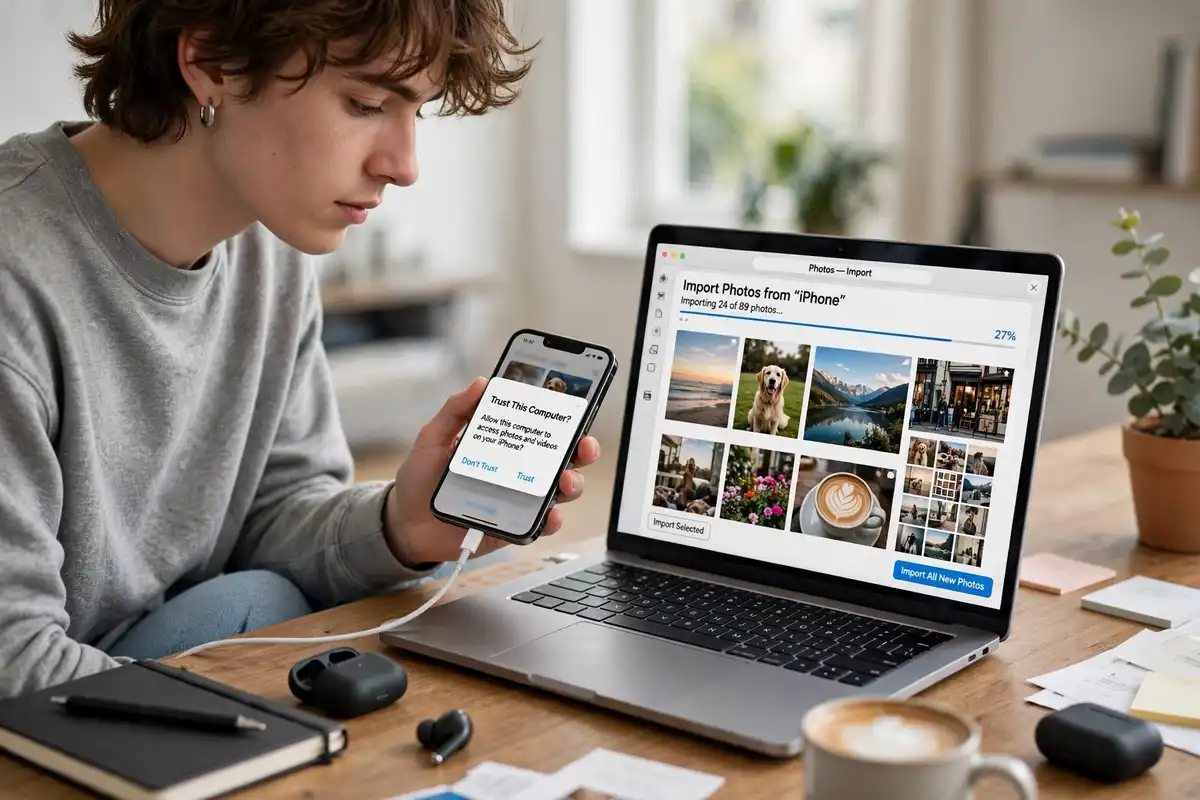
Also think about the apps you already use for calendars, messages, music, and fitness. A watch is most useful when it mirrors the tools you already trust, rather than forcing you into a new system. Syncing should feel invisible: workouts appear in your health app, reminders arrive on time, and music controls just work. If setup feels like a project, that is an early warning sign, and it is worth checking how the internet actually works basics and your phone settings before blaming the watch.
Health and Fitness Tracking, Honestly Assessed
Most modern watches track steps, heart rate, workouts, and sleep, and many add blood oxygen or stress estimates. These figures are useful for spotting trends, like whether you move more on some days or sleep less during busy weeks, but they are not medical diagnoses. Treat them as helpful estimates, not as replacements for professional advice, and be cautious about any watch that promises health conclusions it cannot support. Consistency matters more than precision: a watch you wear every day gives better trends than a feature-rich watch you leave on a charger.
For workouts, check whether the watch covers the activities you actually do, and whether it uses GPS for outdoor runs and rides. Built-in GPS lets you leave your phone behind, which many runners prefer, and how GPS navigation works explains how that positioning works in general. Water resistance matters for swimmers, but resistance ratings differ, so check what swimming, showering, or diving the maker actually supports. Comfort during sleep matters too, because a bulky watch can disturb the very sleep it is trying to track.
Battery Life and Charging Habits
Battery life is where smartwatches differ most. Some last a day or two with bright screens and many features, others last a week or more with simpler displays and fewer always-on features. Neither is automatically better. A watch that needs nightly charging can still work if charging fits your routine, for example while you shower or get ready. A longer-lasting watch suits people who travel, camp, or dislike nightly charging, and it also keeps sleep tracking going without gaps.
Charging method counts as well. A proprietary charger means you need to carry that specific cable, while a standard cable is easier to replace. Think about where you will charge: bedside, desk, or bag. Understanding how lithium-ion batteries work helps here too, because frequent fast charging and heat can affect long-term battery health. In practice, a watch with honest multi-day life and a simple charger often beats a flashier watch that dies before dinner.
Screen, Comfort, and Everyday Wear
You will glance at this screen hundreds of times, so it should be readable in sunlight and comfortable at night. A bright, sharp display helps outdoors, while a dimming or bedtime mode helps at night. Screen size is a trade-off: larger screens show more text, smaller screens feel lighter and suit smaller wrists. Try the watch on if you can, and wear it for more than a minute, because weight and strap feel change over hours.
Straps deserve attention. A strap that irritates skin, traps sweat, or feels stiff will shorten how often you wear the watch. Look for breathable sport straps for workouts and a dressier strap if you want one watch for work and weekends. Many watches let you swap straps easily, which is a practical way to extend one watch across settings. The same everyday thinking applies to how connected devices fit into daily life, where comfort and habit decide whether a connected device stays useful.
Notifications: Helpful or Noisy?
Notifications can be a smartwatch superpower or its biggest flaw. Done well, a gentle buzz for important messages lets you ignore your phone during meetings, drives, and family time. Done badly, every app buzzes and the watch becomes a distraction machine. Spend fifteen minutes after setup choosing which apps can reach your wrist. Most people need only calls, messages from key contacts, calendar alerts, and perhaps one or two work apps. Turn the rest off.
Also check safety and practical features that matter to you, like fall detection, emergency calling, or finding your phone from the watch. These features vary by model and region, so verify what works with your phone and carrier. Keep security in mind as well: use a watch lock, keep software updated, and review app permissions, which connects to cybersecurity tips for 2026. A watch holds personal health and location data, so treating it with the same care as your phone is sensible, not paranoid.
How a Smartwatch Fits Your Connected Life
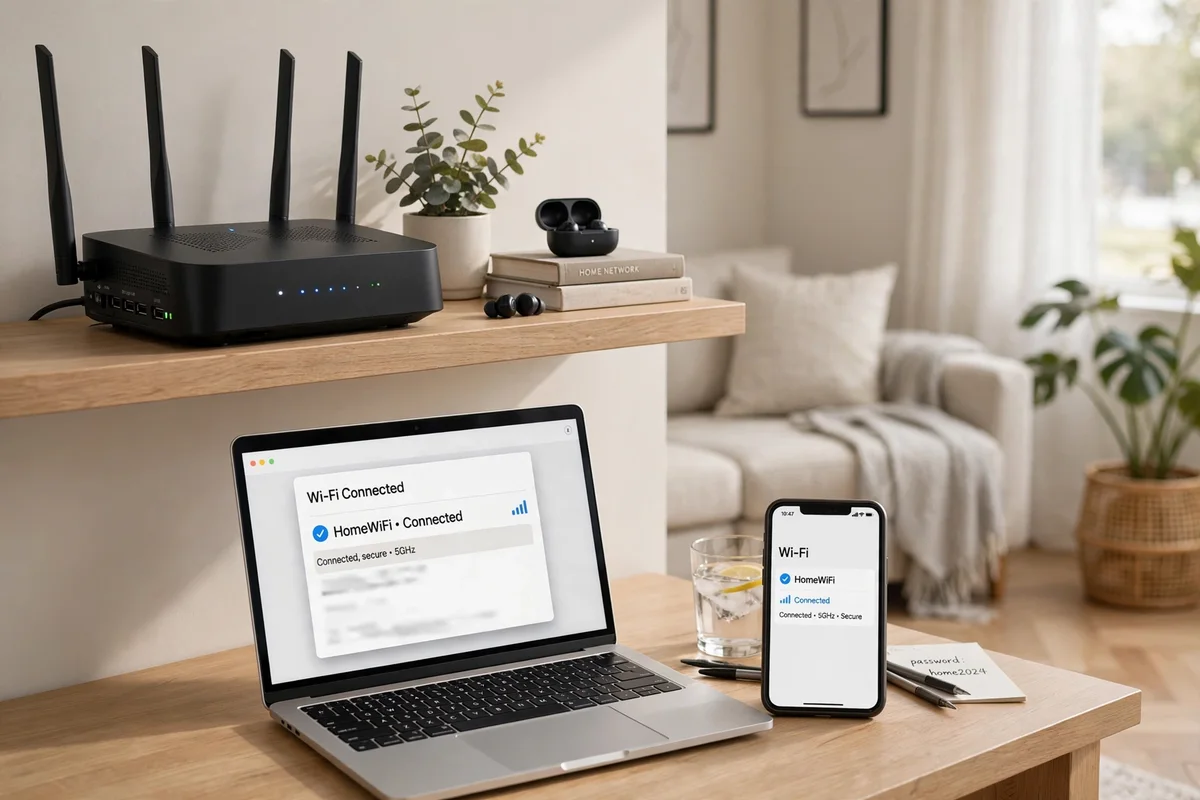
A watch is at its best when it quietly connects the rest of your tech. It can unlock a phone, control music, show directions, and record a workout without you pulling out a larger device. That convenience depends on solid wireless links, and learning how home Wi-Fi works and how 5G networks work helps you understand why syncing is instant at home but slower on a crowded mobile network. You do not need to master the technology, but knowing the basics makes troubleshooting far less frustrating when a workout fails to sync.
Behind the scenes, small efficient chips and smart software decide how much a watch can do on a tiny battery. Reading how microchips are made gives useful context for why newer watches can track more while lasting longer, and why older models may feel slower after major software updates. Similarly, how artificial intelligence works in plain terms helps explain features like automatic workout detection, sleep summaries, and voice replies: they are pattern-finding tools, useful for convenience, but they still need your judgment for health and safety decisions.
It also helps to compare watches with the wider gadget market before you commit. Browsing the coolest tech gadgets of 2026 and the coolest gadgets of the year can remind you that a watch is one choice among many, from fitness bands to phones with larger screens. A simple band may suit a runner who only wants steps and heart rate, while a full smartwatch suits someone who wants messages, maps, and apps on the wrist. The right choice is the one that matches your daily habits, not the one with the longest feature list.
Finally, give any new watch a two-week trial in real life. Wear it for work, workouts, sleep, and weekends, and notice when it helps and when it annoys you. Adjust notification settings, try different straps, and test battery life under your routine. Keep the packaging and check the return window during that trial, so you can return a watch that constantly needs charging or feels uncomfortable without losing money. A watch that passes that trial will feel like a natural part of your day, while one that fails will not improve with time.
Choosing Without Overpaying
Smartwatch prices range widely, and the most expensive model is not automatically the best for you. Cellular models add a monthly cost and are only worth it if you truly want to leave your phone behind for runs, swims, or errands. For many people, a Bluetooth-only model covers daily needs. Older models can also be good value if they still receive software updates and support the apps you need, so check update history before buying a discounted watch.
Shortlist by answering: does it work fully with my phone, does it track my main activities, does the battery fit my routine, is it comfortable all day, and are notifications manageable? A watch that passes all five will serve you well, even without every premium feature. Then choose the watch you will still enjoy wearing in six months, not just the one that photographs best today. That long view is what separates a satisfying purchase from a quick impulse buy that fades fast, and it keeps you happy long after the unboxing excitement ends.