Learning how to choose a laptop can feel overwhelming, because laptops range from slim everyday machines to powerful workstations, and every maker claims its model is the best. The truth is simpler: the right laptop is the one that fits your work, your travel, your budget, and your patience for maintenance. Start with what you actually do, and most of the market narrows quickly to a few sensible options.
This guide explains the decisions that matter most: operating system, size and weight, performance, battery life, screen, keyboard, storage, and support. It covers students, office workers, creators, and casual users, because each group needs a different balance. By the end, you should be able to shortlist confidently and avoid paying for power you will never use, or buying a machine that struggles with your daily tasks.
Start With Your Daily Work
List your five most common laptop tasks before you shop. Writing, email, browsing, and video calls are light work for most modern laptops. Photo editing, video editing, coding with large projects, and engineering software demand more memory, storage, and processing power. Gaming adds graphics demands on top of that. If your list is mostly light work, a balanced mid-range laptop will feel fast and last well. If your list includes heavy work, prioritize performance and cooling over thinness.
Also consider where you work. A laptop that stays on a desk can be larger and heavier, with a bigger screen and more ports. A laptop that travels daily needs to be lighter, with longer battery life and a durable build. A laptop used in bright rooms needs a brighter, low-glare screen, while a laptop used for calls needs a good webcam and microphone. Your environment shapes the choice as much as your software does.
Operating System: Choose the Ecosystem You Know
Your operating system shapes your apps, your file sharing, and your support options. If you already use a phone, tablet, and cloud service from one ecosystem, a laptop from the same ecosystem will usually sync more smoothly. If your work or school requires specific software, check which systems that software supports before choosing. Switching systems is possible, but it can add friction to sharing files, passwords, and peripherals.
Consider software availability honestly. Some professional tools are available on only one or two systems, while browser-based work runs well on almost any laptop. If nearly everything you do happens in a browser, a simpler, lighter laptop may suffice. If you need full desktop programs, choose a system that runs them natively, rather than hoping a workaround will be good enough for daily work. Compatibility on day one saves frustration later.
Size, Weight, and Portability
Size is a trade-off between screen comfort and portability. A 13-inch or 14-inch laptop is easier to carry and fits smaller bags and desks, while a 15-inch or larger laptop offers more screen space for documents, spreadsheets, and design work, but adds weight and bulk. Try carrying the laptop in its case, with a charger, and picture it on your desk, in a meeting room, and on a plane or train. A laptop that feels fine in a store for ten minutes can feel heavy after a full day.
Build quality matters for portable laptops. A sturdy hinge, a lid that does not flex excessively, and a keyboard deck that stays stable when typing all contribute to long-term durability. Thin laptops can be well built, but they often sacrifice ports, upgrade options, or cooling, so check what you give up for thinness. A slightly thicker laptop with better cooling, more ports, and a larger battery is often the better daily companion than the thinnest model available.
Performance Without Jargon
Performance comes from the processor, memory, storage, and graphics working together, not from any single number. For light work, a modern processor with adequate memory feels smooth. For heavy work, more memory and a stronger processor matter, and for gaming or video work, graphics power becomes central. Rather than comparing numbers alone, read reviews that test your kinds of tasks, because real-world performance depends on cooling, power limits, and software as much as on chip names.
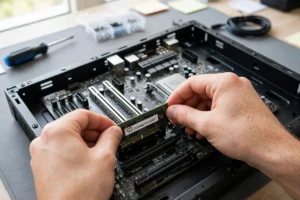
Understanding how microchips are made helps you interpret those reviews, because chip efficiency affects both speed and heat. A powerful chip in a thin laptop may throttle under sustained work, while a more modest chip in a well-cooled laptop may feel faster over a long session. Storage type matters too: solid-state storage makes startup, app opening, and file access feel quick, and it is the standard to expect in any laptop you buy today.
Battery Life, Screen, and Keyboard
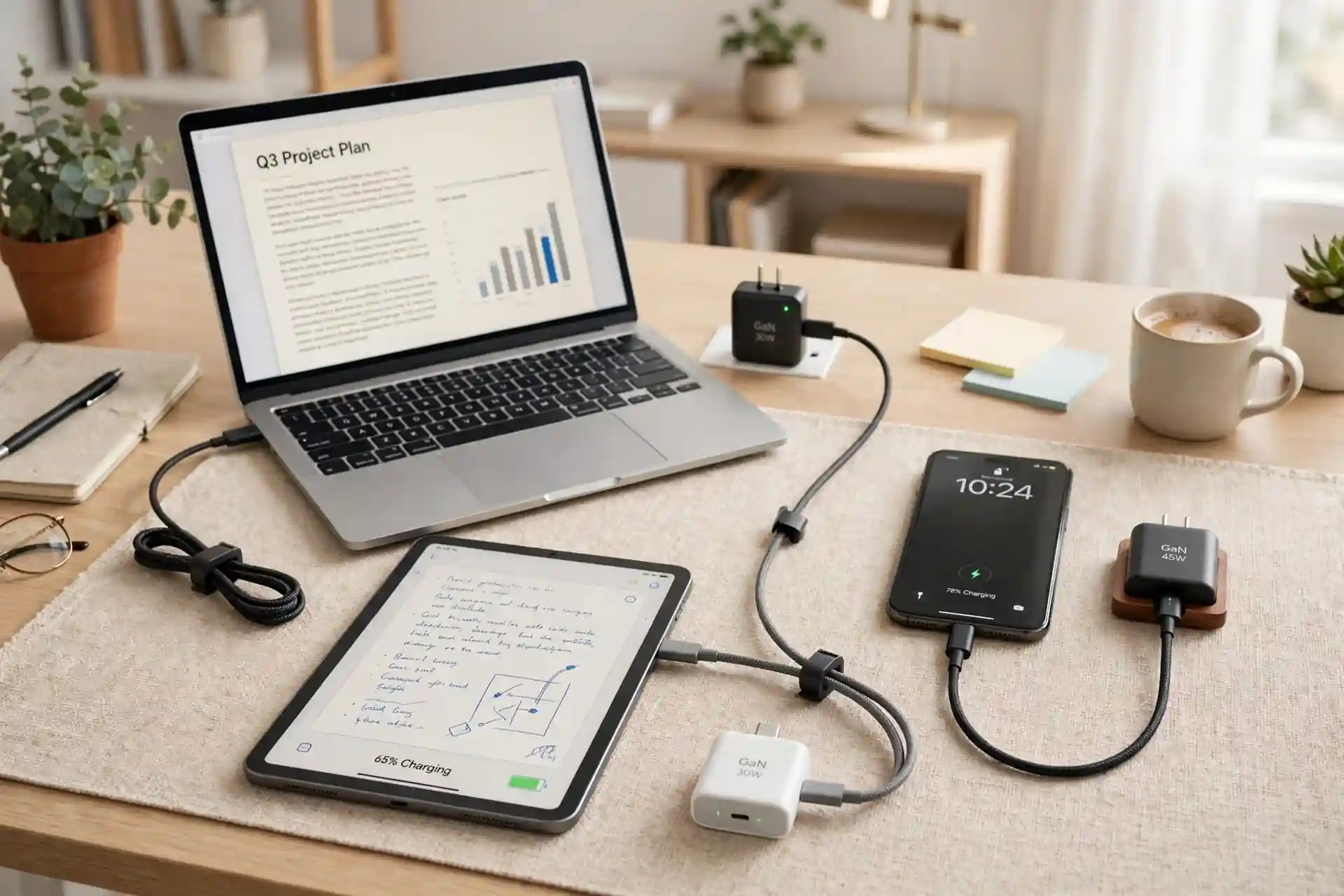
Battery life should be judged by real use, not by advertised figures, which usually assume light tasks and dim screens. Video calls, bright screens, and many browser tabs drain faster, so look for reviews that test battery under work-like conditions. Learning how lithium-ion batteries work basics helps you set expectations and adopt habits, like lowering brightness and closing unused apps, that stretch a charge. Carry the charger for long days, and consider a laptop with fast charging if you often top up between meetings.
Screen and keyboard are daily-contact features, so test them carefully. A screen should show sharp text at a comfortable brightness, with colors that do not wash out at an angle. A keyboard should feel stable and comfortable for long typing sessions, with a trackpad that tracks smoothly. These features matter more day to day than a slightly faster processor, because you interact with them constantly, while processor differences often go unnoticed in light work.
Storage, Ports, and Future-Proofing
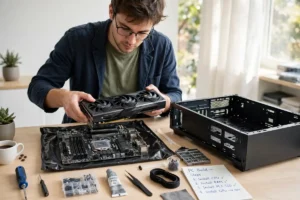
Choose storage with headroom for future files, photos, and software, because running out of space mid-project is stressful and disruptive. If your laptop allows storage or memory upgrades later, that flexibility is valuable, but many thin laptops seal those parts inside, so choose carefully at purchase. Cloud storage helps, but it does not replace local space for offline work, large media, or travel without reliable internet.
Ports decide how easily a laptop connects to monitors, docks, drives, and peripherals. Count the ports you need for your desk setup, and check whether you will need adapters or a dock, because those add cost and clutter. A laptop with the right ports for your setup, plus a standard charger, will feel simpler every day than a laptop that needs a bag of adapters. For background on connectivity, how home Wi-Fi works and how the internet actually works explain the networks your laptop will rely on at home, at work, and on the move.
Laptops in a Connected Life
A laptop sits at the center of a connected setup, linking to a phone, tablet, monitor, printer, and smart-home devices, which is the everyday side of how connected devices fit into daily life. Smooth handoffs, like moving a file from phone to laptop or extending a screen to a monitor, make work feel effortless, while clumsy connections create daily friction. Check how easily a laptop pairs with the devices you already own, and whether its ports and wireless features support your desk setup.
Security and support complete the picture. Use strong passwords, keep software updated, and enable device encryption where offered, habits that align with cybersecurity tips for 2026. Check warranty terms, repair options, and the maker’s update history, because a laptop that receives updates for years will stay safer and more compatible than one abandoned quickly. Newer features increasingly use the ideas behind how artificial intelligence works, from smarter search to writing helpers, but they should support your work rather than distract from it.
Comparing laptops with the coolest tech gadgets of 2026 and the coolest gadgets of the year can keep a purchase grounded, because a laptop is one part of a wider tech budget that may also include a monitor, keyboard, and accessories. For people who work away from strong broadband, how Starlink satellite internet works is sometimes mentioned as an alternative connection, though local options should be compared first. The best laptop, though, remains the one that fits your tasks, your bag, and your budget, not the one with the longest feature list.
Finally, test before you commit where possible. Type on the keyboard, check the screen in bright light, lift the laptop in its case, and run your key apps during a return window. A laptop that passes those real-world tests will serve you well for years, while a laptop chosen only from a spec sheet may disappoint in daily use. Take your time, compare a short list, and choose the machine you will enjoy opening every morning.
A Simple Final Checklist
Use this checklist: does it run your core tasks comfortably, can you carry it daily, does battery cover your day, are screen and keyboard comfortable, is storage enough for years, and does support look reliable? A laptop that passes all six is a strong choice, even without premium features. If it fails on two, keep looking, even if the price is tempting.
How to choose a laptop comes down to balance: enough performance for your work, enough portability for your life, and enough comfort for long days, at a price you can justify. Chosen that way, a laptop becomes a quiet, reliable partner for work, study, and creativity, rather than a compromise you notice every day.