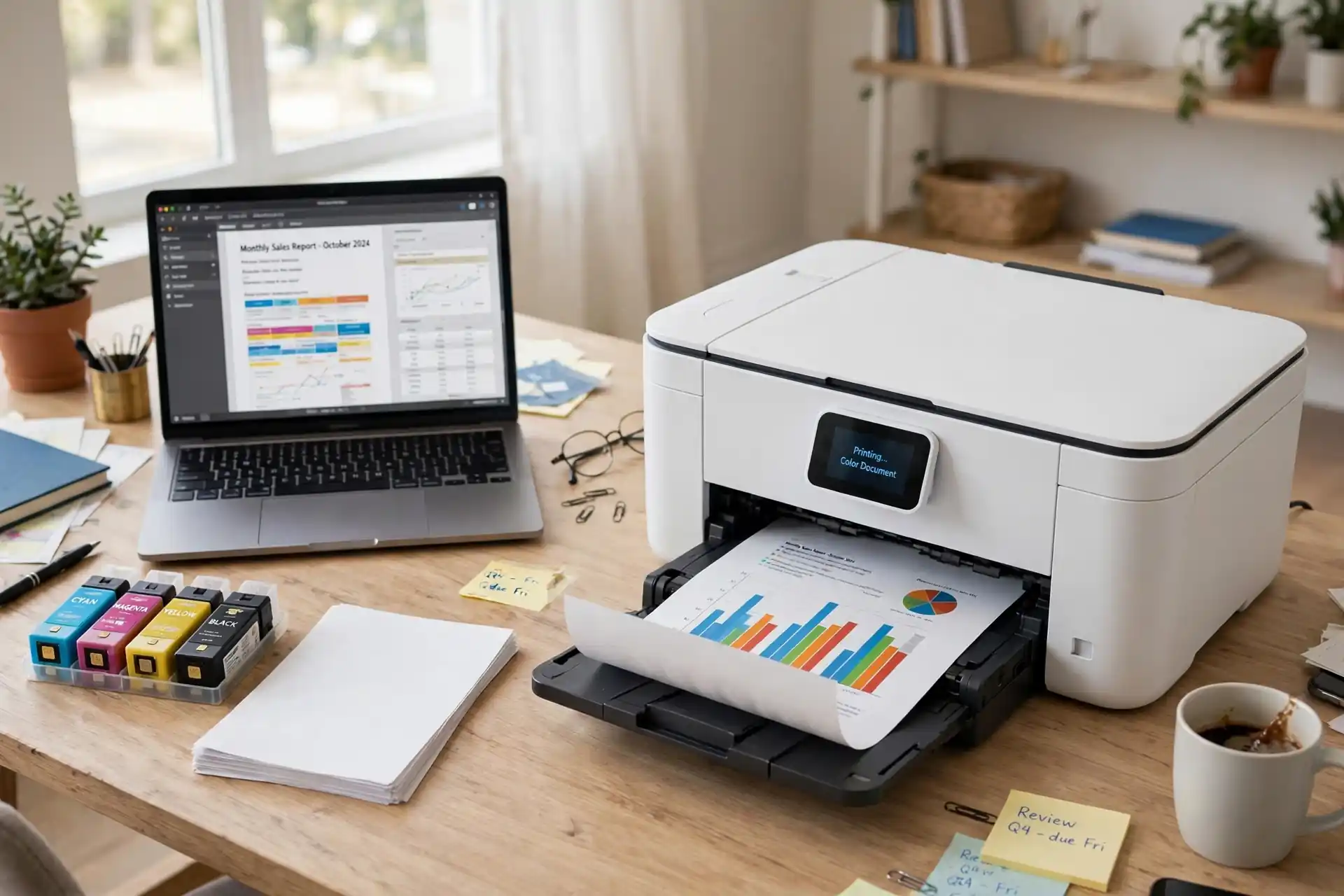
Printers have a reputation for frustration: expensive ink, paper jams, and devices that seem to fail exactly when you need them. Yet a good home printer remains genuinely useful for schoolwork, tax forms, photos, shipping labels, and the occasional document that simply must exist on paper. The best printers for home use are not the ones with the longest feature lists, but the ones whose running costs, reliability, and features match how your household actually prints. This guide helps you choose one without regret.
The first decision is the most important, and it is not about brand. It is about print technology: inkjet versus laser. Each suits different households, and choosing wrong guarantees years of annoyance. The second decision is running cost, which matters far more than the purchase price over the printer’s life. A cheap printer with expensive cartridges can cost several times more than a pricier printer with affordable ink. Understanding those two decisions makes everything else straightforward.
Inkjet vs. Laser: Which Suits Your Home?
Inkjet printers spray tiny droplets of liquid ink onto paper. They excel at color, photos, and mixed documents, and they are usually cheaper to buy. They suit households that print photos, school projects with color diagrams, and occasional documents in modest volumes. Their weaknesses are ink cost, slower speeds for large jobs, and ink that can dry out if the printer sits unused for months, leading to clogged nozzles and cleaning cycles that waste ink.
Laser printers use toner, a dry powder fused to paper with heat. They excel at crisp black text, fast speeds, and high volumes, and toner does not dry out during months of disuse, making laser printers ideal for households that print mostly documents, intermittently. Color laser printers exist but cost more and generally produce less vibrant photos than inkjets. If your printing is mostly text, forms, and homework, a monochrome laser printer is often the most economical and hassle-free choice.
A hybrid option exists: ink tank printers, which use large refillable ink reservoirs instead of small cartridges. They cost more upfront but dramatically lower the cost per page for color printing, suiting households that print frequently in color. If you print hundreds of color pages monthly, an ink tank model deserves serious consideration. If you print a few pages weekly, a standard inkjet or laser is simpler and cheaper overall.
Running Costs: The Price That Actually Matters
Running cost, measured as cost per page, is the number that determines what a printer truly costs you. Calculate it by dividing cartridge or toner price by its rated page yield, and remember that manufacturer yields assume light coverage, so real-world costs run higher, especially for color-heavy pages. A printer that seems like a bargain can become expensive within a year if its cartridges are small and pricey.
Subscription ink services, which mail cartridges automatically based on your usage, can simplify budgeting and sometimes lower costs for steady printers, but they require attention to terms: what happens if you print more than your plan, whether unused pages roll over, and whether the printer stops working if you cancel. Read the fine print before subscribing, and compare the subscription’s effective cost per page with buying cartridges outright. For light printers, subscriptions often cost more than they save.
Paper costs are smaller but not negligible, especially for photo printing, which needs special paper. Standard copy paper suits everyday documents, while photo paper is reserved for images worth displaying. Buying paper in bulk from office suppliers usually beats small packs from convenience stores, and keeping paper dry and flat prevents jams that waste both paper and patience.
Features Worth Having at Home
Wireless printing is now essential, letting every phone, tablet, and laptop in the household print without cables. Look for easy setup with your home Wi-Fi and support for the printing services built into your devices, which avoid extra apps. Automatic double-sided printing, or duplexing, saves paper and is worth prioritizing if you print multi-page documents. A scanner and copier, combined in an all-in-one model, adds real utility for forms, IDs, and school paperwork, and most households benefit from having one.
An automatic document feeder, which scans multi-page stacks without manual page-by-page feeding, is a blessing for anyone who scans regularly. Paper capacity matters if you print in batches: a small tray that needs constant refilling frustrates during large jobs. Print speed matters less for most homes than reliability, since a few pages per minute difference rarely matters outside an office, but for households that print homework for several children nightly, faster output is welcome.
Your network underpins wireless printing, so a strong Wi-Fi signal near the printer prevents failed jobs and delays. Place the printer within good coverage, keep its software updated, and restart it occasionally, since like all connected devices, printers benefit from fresh starts. If wireless printing fails persistently, a USB connection is a reliable fallback for urgent jobs.
Reliability, Jams, and Maintenance
Paper jams are the classic printer complaint, and most are preventable. Use paper suited to your printer, fan the stack before loading, do not overfill the tray, and store paper flat in a dry place. When a jam occurs, follow the manufacturer’s clearing procedure gently rather than yanking paper, which can leave fragments that cause repeat jams. Regular use also helps: printers that sit idle for months develop dried ink or dusty rollers, so print a test page occasionally even in quiet periods.
Software and drivers cause more headaches than hardware for many users. Keep drivers updated through the manufacturer’s official site or your operating system’s update system, and be wary of third-party driver sites that bundle unwanted software. If a printer suddenly stops working after an update, restarting the printer, the router, and the computer, in that order, resolves a surprising number of problems. Our cybersecurity tips for Americans include the update and password habits that also keep networked printers safe, since printers on a home network deserve the same care as any connected device.
Photos, School, and Small Business Printing
Photo printing at home suits inkjet printers with dedicated photo paper and color management, though for occasional prints, a local print shop or online service often produces better results for less money and hassle. Reserve home photo printing for images you want immediately or in small numbers. School printing favors reliability and low cost per page, pointing toward laser or ink tank models that handle nightly homework without drama.
Small home businesses add needs: shipping labels, invoices, and marketing materials. A reliable all-in-one with duplexing, a document feeder, and low running costs serves these well, and a second, dedicated label printer may be worthwhile if shipping volume grows. Whatever the use, test a printer with your real documents before committing, if a return policy allows, since specifications cannot capture how it handles your paper, your files, and your routine.
Choosing Your Home Printer
Match technology to use: inkjet or ink tank for color and photos, laser for text-heavy document printing. Compare running costs, not just purchase prices, and check cartridge yields and subscription terms honestly. Prioritize wireless printing, duplexing, and scanning for most households, and place the printer where Wi-Fi is strong and paper stays dry. Then set it up, print a test page, and keep a spare cartridge or toner on hand so the next urgent job never waits on a store trip.
A printer should be a quiet helper, not a recurring headache, and the right choice makes it one. It joins the practical side of home tech alongside great gadgets, smart home devices, and 3D printing for makers who want to create physical objects at home. Choose for running cost and reliability first, features second, and your printer will serve your household calmly for years.
Printers in the Modern Home Office
Even in a digital age, paper persists, and printers remain part of the home office toolkit. How the internet works explains the networks behind wireless and cloud printing, while artificial intelligence increasingly helps printers diagnose problems, order supplies, and optimize quality automatically. How 5G networks work matters for printing on the go, letting you send documents to a home printer from anywhere, and emerging technologies continue to reshape what printers can do, from mobile-first setups to smarter scanning.
For households that enjoy finding value, our guide to tips for discovering hidden tech gems can surface affordable supplies, organizers, and accessories that make printing smoother. The guiding principle stays the same: choose for running cost and reliability, keep the printer maintained, and let it quietly serve your household whenever paper is needed. A well-chosen printer does not demand attention; it simply works, page after page, year after year.
Print what you need, when you need it, without drama. That is the promise of a well-chosen home printer, and it is a promise worth keeping.
A printer that simply works, whenever you need it, is a small daily luxury. Choose wisely, maintain it lightly, and enjoy years of trouble-free printing.
Before you decide, think about how much you print each month and whether you need color, scanning, or wireless printing most. The right home printer should fit your space, your budget, and your daily routine without fuss. Compare running costs as well as the purchase price, and choose the model you will actually enjoy using week after week.