A smart doorbell camera does two jobs at once: it rings like a traditional doorbell, and it shows you, on your phone, who is at your door, whether you are on the couch or across the country. It can record deliveries, deter porch thieves, let you speak to visitors remotely, and keep a record of who came and went. For many American households, it is the first security device they buy, and often the most used. This guide explains what matters, what to watch out for, and how to choose wisely.
The appeal is easy to understand. Package theft, missed visitors, and uncertainty about who knocked while you were out are everyday annoyances. A doorbell camera replaces guessing with a live view and a short video clip. But models differ widely in video quality, subscription requirements, privacy practices, and installation needs, and the cheapest option is not always the best value. Knowing the differences before you buy saves money and disappointment.
How Smart Doorbells Work
A smart doorbell camera combines a camera, a microphone, a speaker, a motion sensor, and a button in a weatherproof housing by your front door. When someone presses the button or triggers motion, it sends an alert to your phone and, if you open the app, a live video feed with two-way talk. You can greet a delivery driver, tell a visitor you will be right there, or ask an unexpected caller to leave a message, all without opening the door.
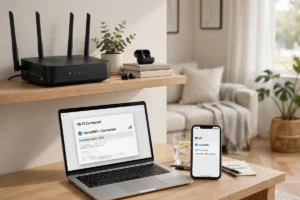
Most models connect through your home Wi-Fi, which is why signal strength at the front door matters so much. A doorbell on a weak connection will deliver delayed alerts, frozen video, or missed events. Before buying, check your Wi-Fi signal at the door with your phone; if it is weak, a mesh node or extender near the entrance may be needed. Our guide to how Wi-Fi works explains placement and coverage in plain terms, and it is worth reading before any doorbell purchase.
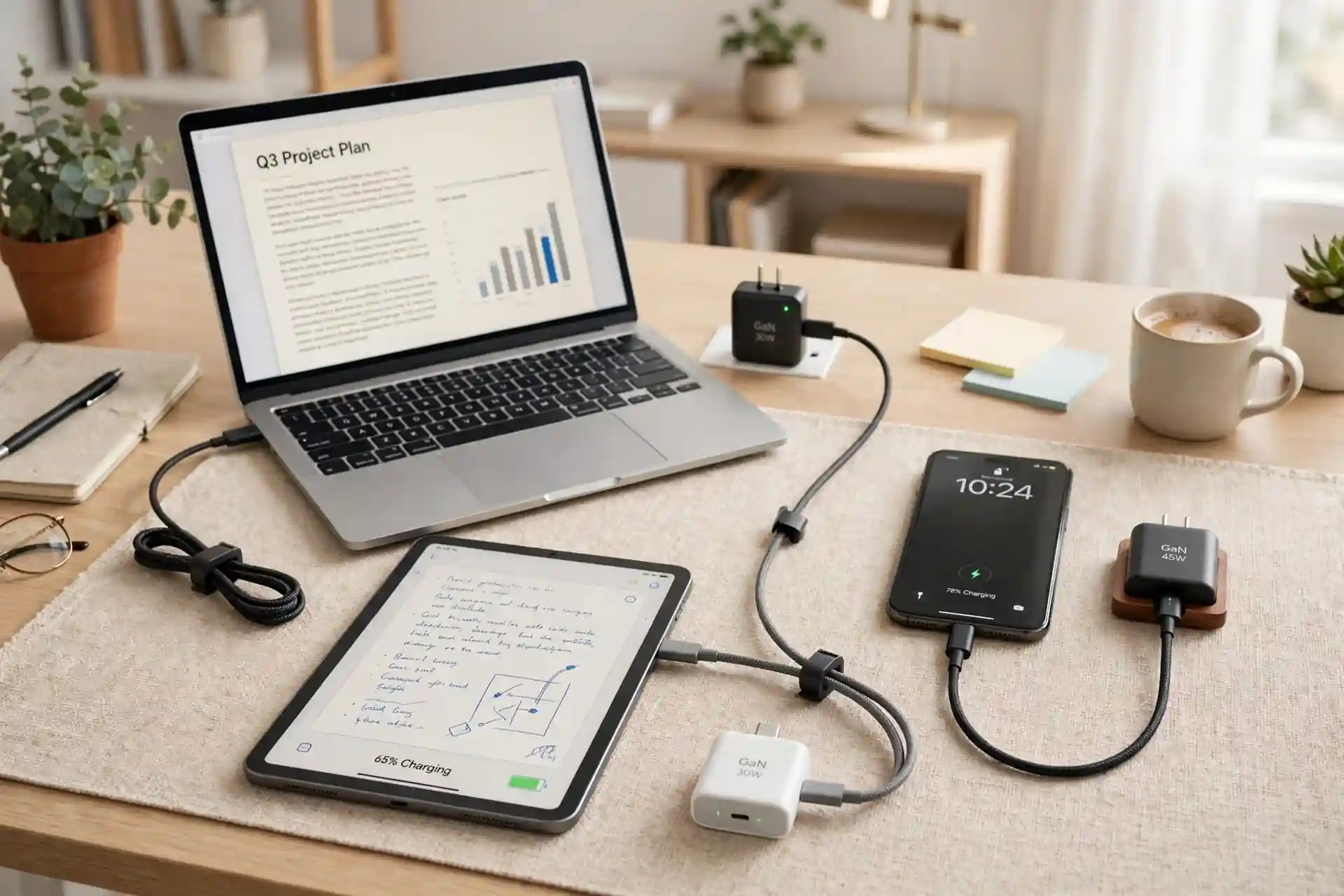
Power comes in two forms: wired models that use your existing doorbell wiring, and battery models that you charge every few weeks or months. Wired models offer continuous power and often richer features, while battery models suit renters and homes without existing wiring. Some battery models accept an optional wired connection or a solar charger, giving you flexibility as needs change.
Video Quality and Field of View
Video resolution is the first specification most shoppers check, and it matters, but it is not the whole story. A sharp image helps you identify faces and read package labels, yet a wide field of view matters just as much for a doorbell, since visitors stand close and packages sit low. Look for models with a tall, wide view that captures both a visitor’s face and the ground where deliveries rest. Night vision is equally important, since many events happen after dark; infrared night vision is standard, and some models add color night vision with a built-in light.
Motion detection quality separates good doorbells from frustrating ones. Basic models alert on any movement, including passing cars, swaying trees, and neighborhood cats, which quickly trains you to ignore alerts. Better models offer activity zones, letting you limit detection to your porch and walkway, and person or package detection, which filters alerts to events that matter. Spend time tuning zones and sensitivity during the first week; a well-tuned doorbell is quiet until it matters, which is exactly what you want.
Audio matters more than people expect. Clear two-way talk lets you hold a real conversation, not shout through static. Noise reduction and echo cancellation help on busy streets. If you expect to use the talk feature often, read reviews focused on audio quality, not just video, since specifications rarely capture it well.
Storage and Subscription Costs
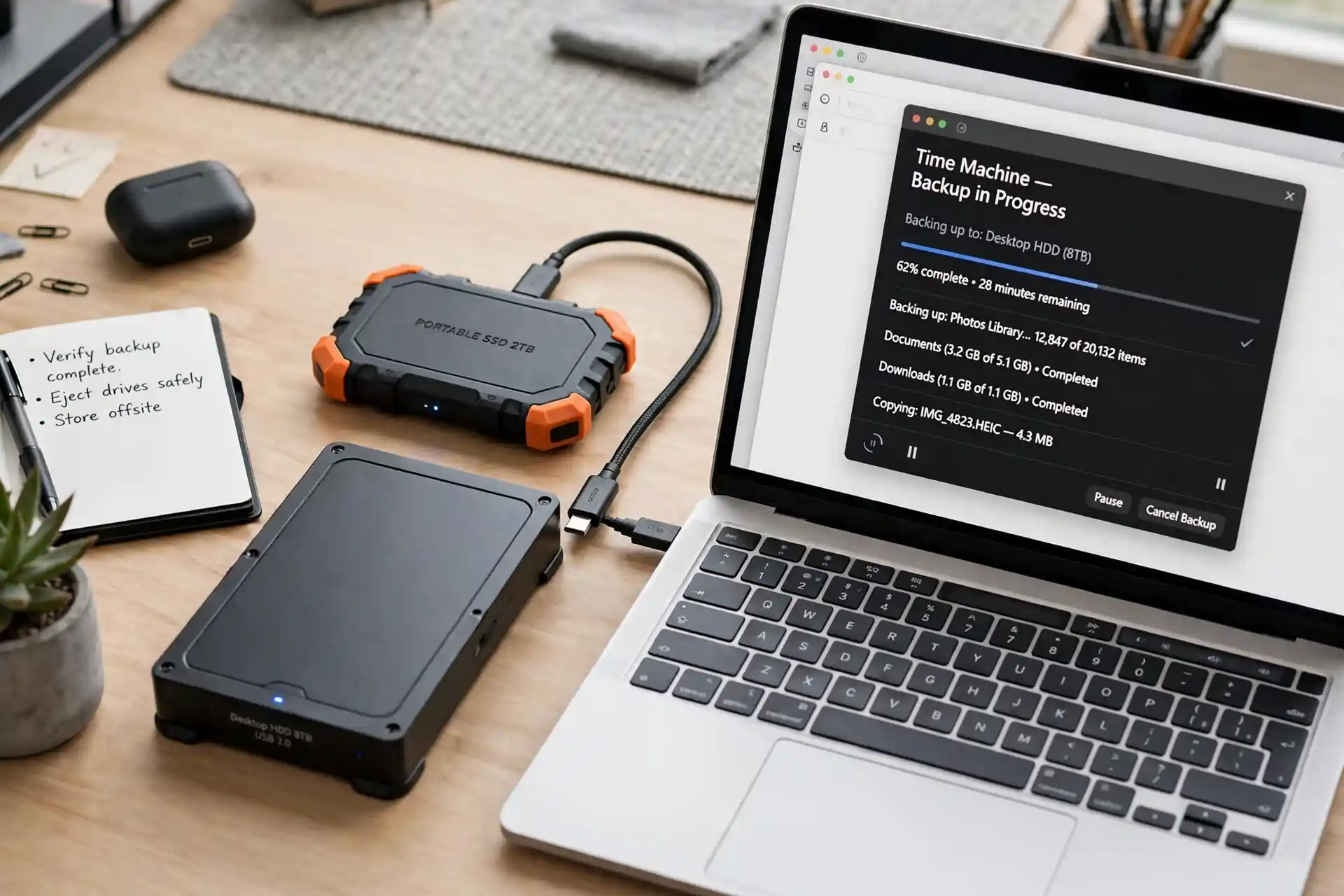
Video storage is where ongoing costs hide. Some doorbells store clips in the cloud and require a monthly subscription to view recordings beyond a short window, or at all. Others offer local storage on the device or a hub in your home, with no monthly fee, though local storage can be vulnerable if the device itself is stolen. Still others offer a hybrid: free basic alerts with paid upgrades for longer history, smarter detection, or professional monitoring.
Before buying, add up the total cost over two or three years, not just the purchase price. A cheaper doorbell with a mandatory subscription can cost more than a pricier model with free local storage. Check what you get without a subscription: live view, motion alerts, and at least a brief recording history are reasonable expectations, but policies vary. Read the fine print on retention periods, download options, and what happens to your recordings if you cancel.
Privacy policies deserve the same scrutiny. A doorbell camera records a public-facing area, but it also captures neighbors, passersby, and delivery workers. Choose brands with clear data practices, encryption for stored video, and controls for deleting clips. Our cybersecurity tips for Americans cover account security habits, including strong passwords and two-factor authentication, that protect every camera you own.
Subscription Checklist
- What is included free, and what requires payment?
- How long are recordings kept, and can you download them?
- Does the doorbell work usefully with no subscription at all?
- Are smarter alerts, like person or package detection, paywalled?
- What is the total cost over three years, device plus subscription?
Installation and Placement
Installation is usually straightforward. Battery models mount with screws and a bracket, and setup happens through an app. Wired models require turning off power, connecting to existing doorbell wires, and sometimes installing a chime connector indoors. If your home has no doorbell wiring and you cannot run any, a battery model is the practical choice. If wiring exists but looks old or damaged, a professional can inspect it safely.
Placement affects everything. Mount the doorbell at roughly chest height, with a clear view of the approach and the porch floor. Avoid pointing it directly into harsh sunlight or a streetlight, which can wash out video. Test the view in the app before finalizing screws, checking day and night views, and confirm that motion zones cover the walkway without including the street. A few minutes of testing during installation prevents months of poor footage.
Renters should check lease rules and choose battery models with adhesive or minimally invasive mounts where drilling is restricted. Even homeowners benefit from thinking about resale: a doorbell that can be removed cleanly, or transferred to a new owner with a proper account reset, avoids headaches later.
Privacy, Neighbors, and the Law
Doorbell cameras sit at the boundary between private security and public space, and that boundary deserves respect. In general, recording your own porch and entrance is widely accepted, but audio recording rules vary by state, and some jurisdictions restrict recording conversations without consent. Pointing a camera into a neighbor’s yard or windows is both rude and potentially problematic. Keep your camera aimed at your own property, inform household members and regular visitors that recording is active, and check local rules if you are unsure.
Neighbor relations matter too. A doorbell that records every passerby can make neighbors uneasy, especially if clips are shared on neighborhood apps without context. Use sharing thoughtfully, avoid posting identifiable strangers for minor incidents, and remember that a camera is a tool for your safety, not a neighborhood watch broadcast. Good etiquette keeps a useful device from becoming a source of friction.
Choosing the Right Model for You
Match the model to your situation. Apartment dwellers often need battery power, a narrow view, and strong privacy controls. Suburban homeowners with porches and package deliveries benefit from package detection and a wide, tall view. Households already invested in a smart home platform should prioritize compatibility, so the doorbell joins routines and can be viewed on smart displays. If you already have a smart thermostat or other connected devices, keeping one ecosystem usually simplifies everything.
Also consider the wider smart home picture. A doorbell pairs naturally with smart locks, letting you admit a trusted visitor remotely, and with smart devices throughout the home that respond to doorbell events, such as turning on porch lights when motion is detected. For more ideas, see the coolest gadgets of the year and emerging technologies for the home. A smart doorbell camera is a modest purchase with daily impact: fewer missed visitors, safer deliveries, and a front door you can answer from anywhere. Choose for video quality, sensible storage costs, honest privacy practices, and a view that covers your porch well, and it will earn its place by your door.
Doorbells and the Connected Home
A doorbell camera rarely lives alone for long. It often becomes the first step toward a broader smart home, joining lights that welcome you home, locks that admit family, and speakers that announce visitors. Understanding how the internet works helps you see how these devices communicate, while artificial intelligence powers the person and package detection that makes alerts useful instead of noisy. How 5G networks work matters too for viewing doorbell video away from home, since faster mobile connections mean smoother live feeds when you check in from work or vacation.
Looking further ahead, the robotics revolution may one day link doorbell cameras with delivery robots and home assistants in ways that feel futuristic today but are already being tested. For now, our guide to tips for discovering hidden tech gems can help you find complementary gadgets, from porch lights to chimes, that round out your entryway. Build gradually, prioritize privacy and reliability, and let your front door become one of the smartest, and most reassuring, parts of your home.