Cybersecurity sounds like a job for experts in a distant office, but in practice it is mostly about small, everyday habits. Every time you choose a password, open an email, connect to Wi-Fi, or update your phone, you are making a security decision. Attackers know this, and they target ordinary people far more often than they target big companies, because ordinary people are easier to fool and far more numerous. The good news is that a handful of simple practices stops the vast majority of common attacks.
These cybersecurity basics are written for everyday Americans, not IT professionals. You will not find jargon for its own sake here, and you will not be told to buy expensive software you do not need. Instead, you will learn how the most common attacks work, why they succeed, and what you can do today, mostly for free, to make yourself a much harder target.
Why Attackers Target Everyday People
Criminals follow the path of least resistance. Breaking into a well-defended company is hard work; tricking one person into handing over a password is often easy. Stolen email accounts can reset other accounts. Stolen payment details can be sold or used quickly. Even a single compromised account can expose friends and family to scams sent in your name, which is why your security affects people beyond yourself.
It helps to understand that most attacks are not personal. Automated systems send millions of phishing emails, test leaked passwords against thousands of accounts, and scan the internet for unprotected devices. You are not being singled out because you are important; you are one of many doors being tried, and the goal is to be a door that does not open easily. That framing is encouraging: you do not need perfect security, just better security than the easy targets around you.
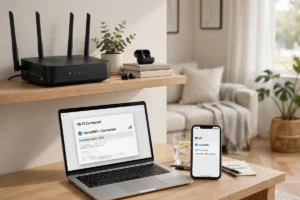
Your home network is part of this picture too. If you have ever wondered how Wi-Fi works, the security angle is simple: your router is the front door to every device in your home, from laptops to connected devices. Changing the default router password and keeping its software updated are two of the most valuable steps you can take, and they cost nothing.
Passwords and Two-Factor Authentication
Passwords remain the front line, and most people still handle them badly. Reusing one password across many sites means a single breach can cascade through your digital life. The fix is a password manager, an app that creates and stores long, unique passwords for every site, so you only need to remember one strong master password. Modern phones and browsers include capable managers for free, and using one is the single highest-impact change most people can make.
Two-factor authentication, or 2FA, adds a second check beyond your password, usually a code from your phone or a security key. Even if an attacker steals your password, they still cannot get in without that second factor. Turn it on for email first, since email can reset almost everything else, then for banking, social media, and shopping accounts. App-based codes are stronger than text-message codes, but any second factor is far better than none.
One more habit deserves mention: never share verification codes with anyone, no matter who they claim to be. Banks, tech companies, and government agencies will never ask you for a code by phone or email. Anyone who does is running a scam, and hanging up is the correct response. For a deeper checklist, see our guide to cybersecurity tips for Americans, which covers these habits in more detail.
How to Spot Phishing
Phishing is a fake message designed to trick you into clicking a link, opening an attachment, or sharing sensitive information. It may pretend to be your bank, a delivery company, or even a colleague. The best defense is slowing down. Real urgency is a red flag: messages that demand immediate action, threaten account closure, or promise unexpected prizes are trying to bypass your judgment.
Check the sender’s address carefully, not just the displayed name, and hover over links before clicking to see where they truly lead. Be suspicious of unexpected attachments, unusual payment requests, and messages with odd spelling or generic greetings. When in doubt, do not click. Instead, open the company’s official app or type its website address yourself, and check whether the message is real. That one habit defeats most phishing attempts outright.
Phone scams follow the same script. A caller claiming your account is compromised or that you owe money is almost always a fraudster, especially if they demand gift cards, wire transfers, or cryptocurrency. Hang up, look up the organization’s real number independently, and call back if you are concerned. Legitimate organizations will never pressure you to stay on the line or keep a call secret.
Safe Wi-Fi, Updates, and Backups
Public Wi-Fi in cafes, airports, and hotels is convenient and risky in equal measure. Avoid banking or shopping on public networks unless you must, and never enter sensitive information on a site that does not show a padlock in the address bar. A virtual private network, or VPN, adds a layer of protection on public networks, but it is not a magic shield; good habits still matter more than any single tool. At home, use a strong Wi-Fi password and keep your router’s firmware updated.
Software updates are security updates more often than people realize. They patch holes attackers actively exploit, so installing them promptly is one of the easiest protections available. Turn on automatic updates for your phone, computer, and apps, and do not ignore update prompts for weeks. The same logic applies to new gadgets you bring home: set them up with strong passwords and updates before you start using them daily.
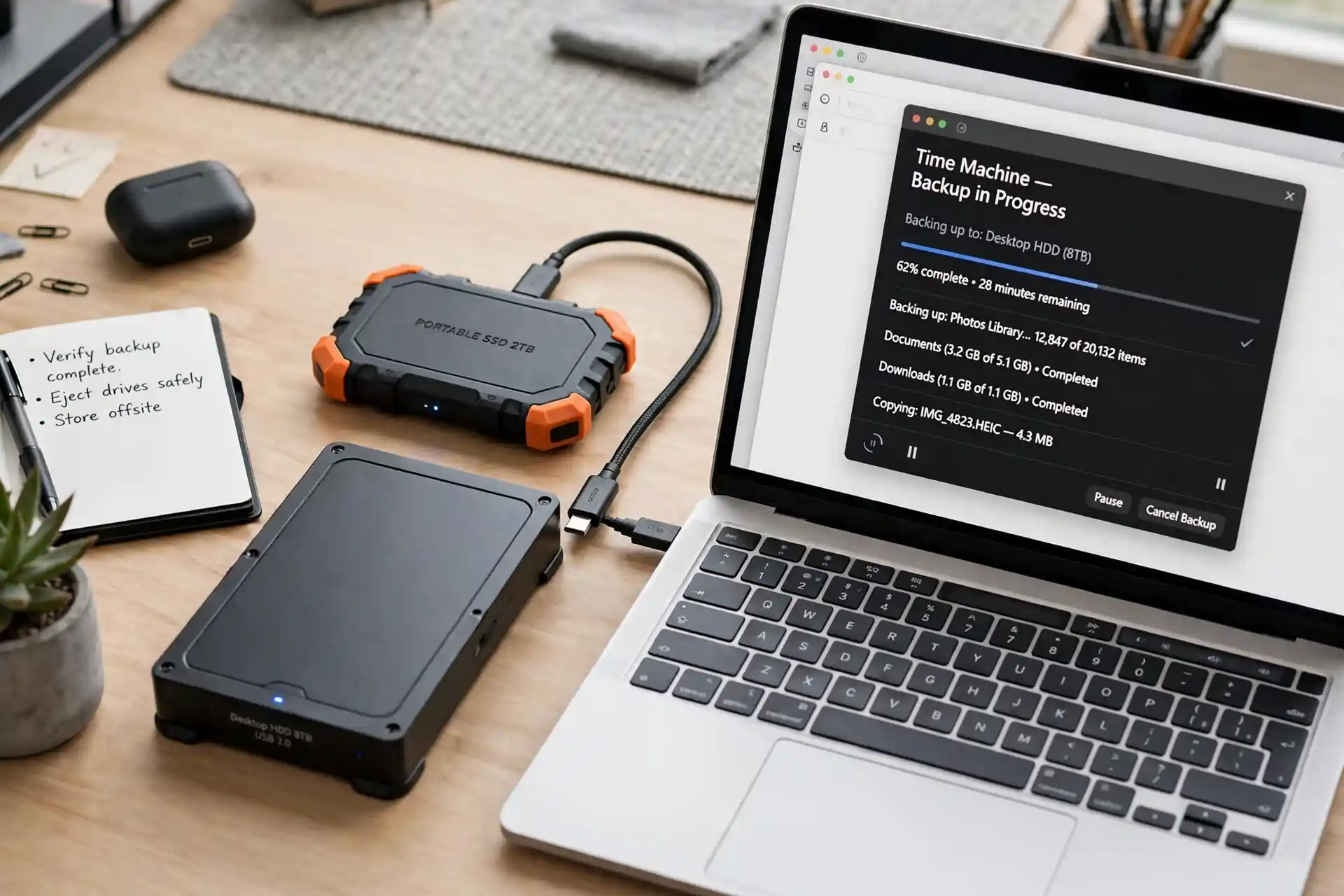
Backups are your safety net against ransomware, theft, and hardware failure. Keep copies of important files in two places, such as an external drive and a cloud service, and test occasionally that you can actually restore them. A backup you have never tested is a hope, not a plan. This simple discipline turns a potential disaster into a minor inconvenience.
Your Home Security Checklist
- Use a password manager and a unique password for every account.
- Turn on two-factor authentication, starting with email and banking.
- Keep devices and apps updated automatically.
- Back up important files in two separate places.
- Change default passwords on your router and smart devices.
- Pause before clicking links or attachments in unexpected messages.
Protecting Kids and Older Relatives
Children and older adults face particular risks, and a little guidance goes a long way. Teach kids never to share personal information, photos, or passwords online, and to tell an adult about uncomfortable messages immediately. Use built-in parental controls as a starting point, not a complete solution, and keep devices in shared spaces for younger children. For older relatives, the kindest protection is a conversation: explain common scams, set up their devices securely, and make it easy for them to call you before acting on a suspicious message.
Privacy settings deserve attention for everyone. Review what your apps and social accounts share publicly, limit location sharing, and delete old accounts you no longer use, since forgotten accounts are easy targets. Smart devices in the home also collect data, so check their privacy settings during setup rather than accepting every default. Small choices here add up to real control over your digital footprint.
What to Do If Something Goes Wrong
If you suspect an account is compromised, act quickly and calmly. Change the password from a device you trust, turn on two-factor authentication, and review recent activity for anything unfamiliar. If payment details were exposed, contact your bank or card issuer right away; they deal with this daily and can freeze cards and reverse fraudulent charges. Report phishing emails to your email provider and, for serious fraud, to the appropriate authorities.
Do not feel embarrassed. Millions of smart, careful people fall for sophisticated scams every year, and attackers spend full-time effort refining their tricks. What matters is responding fast, learning the lesson, and helping others avoid the same trap. Share your experience with family, because a story about a real scam is often more persuasive than any warning list.
Cybersecurity basics are not about fear; they are about confidence. With a password manager, two-factor authentication, updated software, regular backups, and a healthy skepticism toward urgent messages, you are already safer than most people online. For the wider picture, explore how the internet works, emerging technologies, and how AI works, since tomorrow’s threats and defenses will grow from today’s technology. Stay curious, stay careful, and you will be well protected.
Security in a Connected World
Security habits become even more important as connectivity spreads. 5G networks explained in plain terms show how faster mobile connections let you work and shop from almost anywhere, which is convenient but also means your data travels across more networks than before. The same caution that protects you on home Wi-Fi applies on the go: use trusted networks when possible, keep your software updated, and be wary of urgent messages asking for codes or payments.
New tools also deserve a careful look before you trust them with sensitive information. Blockchain technology is often presented as a security solution, and it does offer interesting ways to verify records, but it is not a substitute for strong passwords and two-factor authentication. Likewise, our guide to tips for discovering hidden tech gems can help you find useful apps, but every new app is a new place your data lives, so check its permissions and reputation first. The principle stays the same whatever the technology: convenience is welcome, but it should never come at the cost of basic protection.