Every time you check email on your phone, stream a movie, or open a photo you saved years ago, there is a good chance you are using cloud computing, even if you never think about it that way. The term sounds technical, but the idea behind it is refreshingly simple: instead of storing everything on one device in your home, your files and apps live on powerful computers in secure data centers, and you reach them over the internet whenever you need them. That shift is why a phone with limited storage can still hold a lifetime of photos, and why a small business can run software that once required a room full of servers.
Cloud computing explained in plain language comes down to renting computing power rather than owning it. You do not buy the building, the cooling system, or the backup generators. You simply use what you need, when you need it, and someone else handles the maintenance. If you have ever wondered how the internet actually works, the cloud is the next layer of that story: the internet connects you, and the cloud gives you somewhere useful to go once you are connected.
What Cloud Computing Really Means
At its core, the cloud is a network of remote servers that store data and run programs. When you save a document online, it is copied to one of those servers, often in more than one location, so it stays available even if one machine fails. When you open that document later from a different device, you are simply pulling the latest copy back down. Nothing magical is happening, just well-organized computers doing their job far away from your desk.
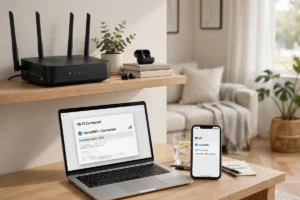
Most people already use several kinds of cloud services without labeling them as such. Email, online banking, streaming video, and photo backup all run in the cloud. Businesses use it for far more, from hosting websites to analyzing sales data. The common thread is convenience: your stuff follows you from phone to laptop to tablet, and updates happen everywhere at once. That is also why understanding how Wi-Fi works matters at home, because a weak wireless connection is often the real reason a cloud app feels slow, not the service itself.
Another way to think about it is to compare it with the old way of doing things. In the past, a company that wanted new software had to buy servers, install programs on every computer, and hire people to keep it all running. If the company grew, it bought more hardware and waited weeks for delivery. With the cloud, that same company can add capacity in minutes and pay only for what it uses. The flexibility is the point, and it is a big reason cloud services have become the default for everyone from students to large hospitals.
The Three Main Types of Cloud Services
Cloud services are usually described in three layers, and knowing the difference helps you shop wisely. The first is software as a service, often shortened to SaaS. This is the finished app you open in a browser or on your phone, like an email program, a video meeting tool, or an online document editor. You never install anything heavy, and updates arrive automatically. For most everyday users, SaaS is the cloud.
The second layer is platform as a service, or PaaS. This gives developers a ready-made workspace where they can build and launch apps without setting up servers themselves. Think of it as renting a fully equipped kitchen instead of building one from scratch. The third layer is infrastructure as a service, or IaaS, which rents raw building blocks: storage space, processing power, and networking. Big companies and developers mix these layers to suit each project, and current software development trends show that this flexible approach keeps getting more popular.
Public, Private, and Hybrid Clouds
Clouds also differ by who uses them. A public cloud is shared by many customers, like an apartment building where everyone has a private unit but shares the structure. A private cloud belongs to one organization, offering more control at a higher cost. A hybrid cloud mixes both, keeping sensitive work private while using public resources for everyday tasks. Many American businesses choose hybrid setups because they balance security, cost, and speed in a practical way.
How the Cloud Keeps Your Data Safe
Safety is the question most people ask first, and it deserves a straight answer. Reputable cloud providers protect data with encryption, which scrambles information so only authorized users can read it, both while it travels over the internet and while it sits in storage. They also copy data across multiple locations, run around-the-clock monitoring, and employ security teams far larger than any single household or small business could afford. That said, no system is perfect, and your own habits matter just as much as the provider’s defenses.
Strong, unique passwords and two-factor authentication are the simplest and most effective steps you can take. If you reuse one password everywhere, a single breach can open many doors. For a fuller checklist, our guide to cybersecurity tips for Americans walks through practical habits that protect every account you own, cloud-based or not. It is also wise to review which apps can access your files and to turn off permissions you no longer need.
One honest caveat is worth remembering: the cloud depends on an internet connection. If your connection drops, your access drops with it, at least until service returns. Many apps now offer offline modes that let you keep working and sync later, so check for that feature before you commit to a service you will rely on daily. For most people, the trade-off is worth it, but it is still a trade-off, and you should choose with your eyes open.
Cloud Computing in Daily American Life
Look around a typical American home and the cloud is quietly everywhere. Families share photo albums across states, students submit homework from library computers, and doctors’ offices store records that a specialist can review from another city. Small businesses run their entire storefront, inventory, and customer email from cloud dashboards, often for a modest monthly fee. Even your television may stream shows from cloud servers rather than playing a disc, which is one reason faster mobile networks like 5G make cloud apps feel snappier on the go.
The workplace has changed just as much. Remote and hybrid teams now collaborate on the same document at the same time, leave comments for colleagues in other time zones, and join video calls without booking a conference room. That style of work would be clumsy or impossible without the cloud. It also explains why emerging technologies so often build on cloud foundations: once data and computing live online, new tools can reach millions of people quickly.
How to Choose a Cloud Service
Start with what you actually need. If you mainly want photo and file backup, a simple storage plan with automatic sync is enough. If you run a business, look for strong security controls, clear pricing, and customer support you can reach by phone. Always check how easy it is to get your data out again, because a service that locks you in is a poor long-term partner. Read the storage limits carefully too: a plan that sounds generous may count every version of every file toward your total.
Cost deserves a calm look as well. Many services offer a free tier that covers casual use, and paid plans usually scale in small steps. Add up what you would pay over a year, not just the first month, and watch for fees tied to downloading large amounts of data. Finally, consider the company’s track record for uptime and privacy. A service that is cheap but frequently unavailable will cost you far more in frustration than it saves in dollars.
Simple Steps to Get Started
- Pick one job first, such as photo backup or document storage, and master it before adding more services.
- Turn on two-factor authentication on every cloud account you create.
- Set up automatic backup so you never have to remember to do it manually.
- Check your storage once a month and delete duplicates you no longer need.
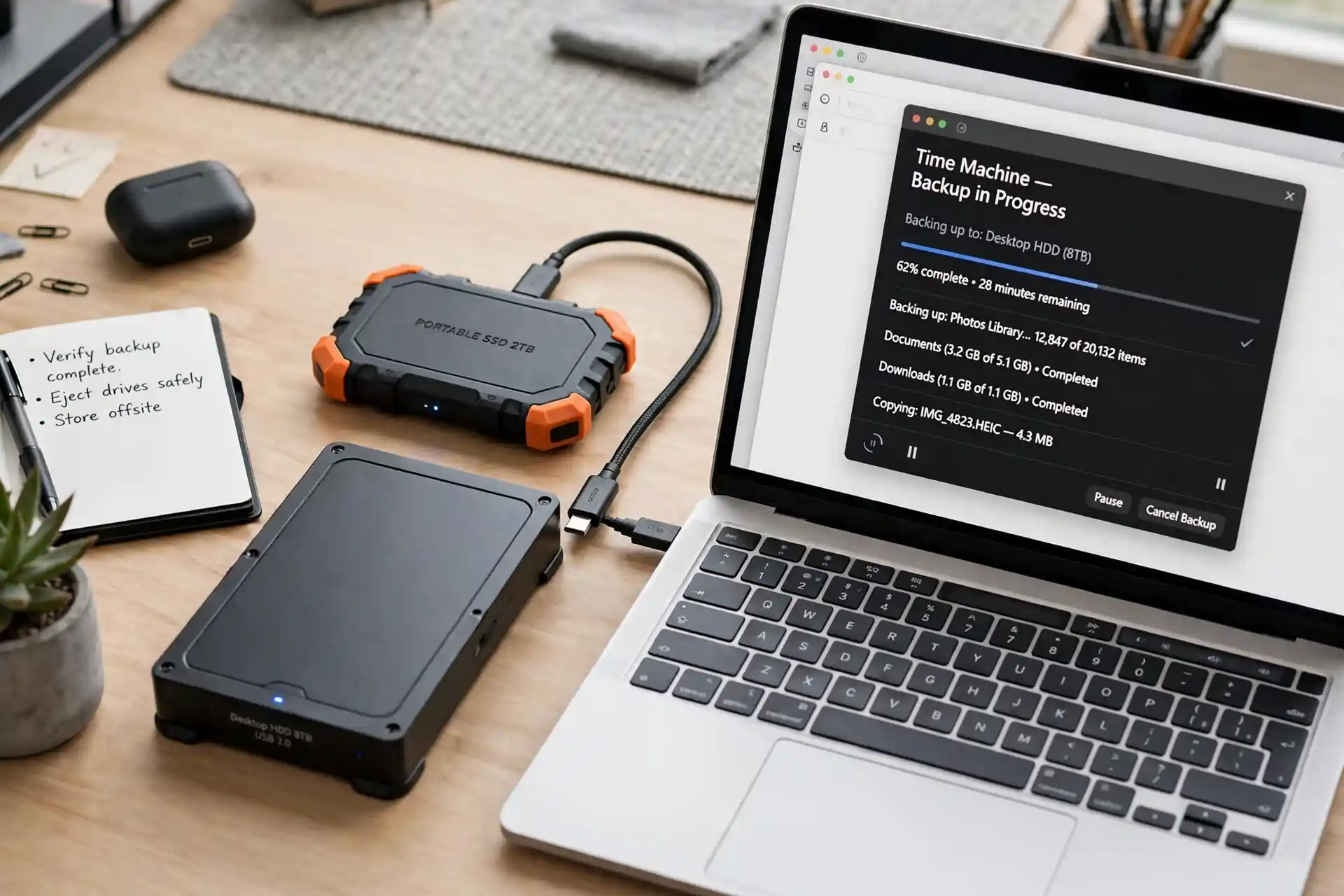
- Keep a local copy of your most important files as an extra safety net.
The Future of the Cloud
The cloud is still evolving, and the next wave is already visible. Artificial intelligence tools increasingly run in the cloud, which is why understanding how artificial intelligence works helps explain where cloud computing is headed. Edge computing, which processes some data closer to where it is created, will work alongside the cloud rather than replace it, speeding up things like smart home devices and connected cars. Meanwhile, connected devices in the home will keep pushing demand for reliable, always-on cloud services.
For everyday users, the best approach is simple: learn the basics, pick trustworthy providers, protect your accounts, and let the cloud do the heavy lifting in the background. You do not need to understand every technical detail to benefit from it, just as you do not need to understand an engine to drive a car. And when you are ready to explore further, our roundup of the coolest gadgets of the year and our guide to finding hidden tech gems are good places to see the cloud’s benefits in action. The cloud is not a distant mystery. It is the quiet infrastructure behind much of modern life, and now you know how it works.
Cloud Computing and Related Technologies
The cloud rarely works alone. It pairs with other technologies you may already know, and understanding those connections makes the whole picture clearer. For example, blockchain technology explained in simple terms shows a different way of storing and verifying records, one that also relies on networks of computers working together. Comparing the two helps you see why some jobs suit the cloud, with its flexible storage and easy access, while others suit decentralized record-keeping. Both approaches are part of the same larger story of computing moving beyond a single machine on a single desk.