Streaming devices turn any television into a smart entertainment center, giving you access to movies, shows, music, and apps through one simple interface. Whether your TV is brand new or a decade old, a small stick or box plugged into an HDMI port can modernize it completely, often for less than a dinner out. But with many brands, interfaces, and price tiers, choosing can feel confusing. This guide to the best streaming devices cuts through the noise and focuses on what actually matters for American viewers.
The core job of every streaming device is the same: connect to your Wi-Fi, run apps for services you subscribe to, and display video smoothly on your TV. Differences lie in speed, interface, remote design, voice control, and support for high-quality video and audio formats. A device that feels fast and simple will get used daily; a sluggish one will gather dust no matter how many apps it lists. That everyday experience, more than any specification sheet, is what you are really buying.
Stick vs. Box: Which Form Factor Fits?
Streaming sticks plug directly into an HDMI port and hide behind the TV, drawing power from a USB port or wall adapter. They are cheap, portable, and ideal for secondary TVs, dorm rooms, and travel. Their limitation is processing power and storage: they handle everyday streaming well but can feel slower with heavy interfaces or many installed apps.
Streaming boxes sit beside the TV and offer faster processors, more storage, and often better Wi-Fi antennas and extra ports. They suit main living-room TVs, households that stream in the highest quality, and anyone who dislikes waiting for menus to load. Some premium boxes add gaming features, smart home hub functions, or advanced audio support. If your main TV is the center of family entertainment, a box is usually worth the step up. For a bedroom or guest room, a stick is plenty.
One more option deserves mention: many modern TVs already include streaming apps built in. If your TV’s built-in system is fast and supports your services, a separate device may be unnecessary. But built-in systems age: manufacturers slow updates after a few years, while a separate streamer can be replaced cheaply to keep an old TV current. That upgrade path is a strong argument for a dedicated device even on a smart TV.
What to Compare Before Buying
Start with the services you actually watch. Every major streamer supports the big subscription services, but smaller or niche apps vary, so check that your must-have services are available before buying. Next, consider video quality: if your TV supports 4K and high dynamic range, choose a device that matches, or you will pay for a TV’s capabilities you cannot use. Audio matters too for home theater fans; support for surround formats makes a real difference with a soundbar or speaker system.
Interface and remote design are personal but crucial. Some interfaces emphasize content discovery, surfacing shows across services. Others are simpler app grids. Voice remotes let you search by title or actor without typing, which is a genuine convenience, especially for kids and older viewers. If anyone in your household struggles with small buttons or complex menus, prioritize a simple remote and a clean interface over raw specifications.
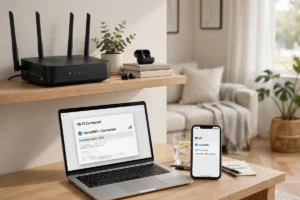
Wi-Fi performance is the hidden factor behind most streaming complaints. A device with weak wireless reception will buffer even on a fast connection. If your TV is far from your router, look for devices with strong Wi-Fi support or an Ethernet option, and read our guide to how Wi-Fi works for placement tips that improve every streamer in the house. Faster networks help mobile viewing, but home streaming lives or dies on your Wi-Fi.
Quick Comparison Checklist
- Does it support every service you subscribe to?
- Does it match your TV’s resolution and HDR capabilities?
- Is the interface simple enough for everyone in the household?
- Does the remote offer voice search and easy volume control?
- Is Wi-Fi strong enough at your TV’s location, or is Ethernet available?
- Are there ongoing costs beyond the purchase price?
Picture Quality, Audio, and Your TV
Picture quality depends on a chain: the service’s stream, your internet speed, the device, and the TV. A 4K streamer on a 1080p TV will not magically add pixels, and a 4K TV fed by a basic streamer will not show its best. Match the device to the TV, and make sure your internet plan can sustain high-quality streams, especially if multiple people stream at once. Wired connections or a nearby mesh node can stabilize quality more than any device upgrade.
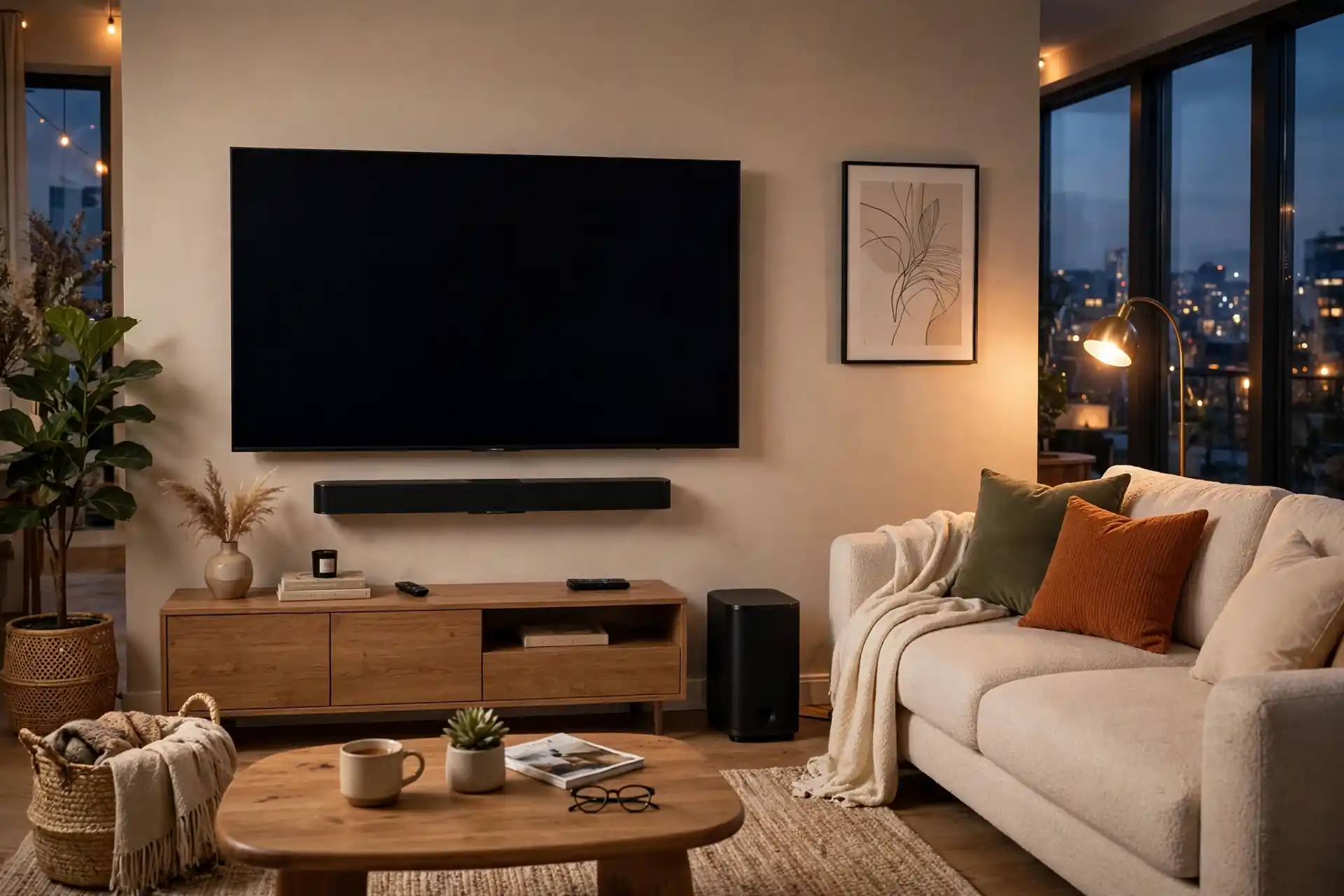
Audio is often overlooked until a soundbar arrives. If you use TV speakers, any streamer sounds fine. If you use a soundbar or surround system, check format support and connection options, since mismatches can limit you to stereo sound. Our guides to soundbars and wireless speakers pair naturally with this one, helping you build a living-room setup where every piece supports the others.
Smart Home and Voice Features
Many streamers double as smart home hubs or voice assistants, letting you control lights, check cameras, or ask questions from the couch. This is convenient if you already use that ecosystem, and it can make a streamer the center of a connected living room. If you do not use voice assistants, these features add little value, so do not pay extra for them. The best streamer for you is the one that fits your home, not the one with the longest feature list.
Privacy settings deserve a moment too. Voice remotes and viewing recommendations involve data collection, so review privacy options during setup and disable features you do not want. Our cybersecurity tips for Americans include account habits that protect streaming accounts, which are frequent targets for credential theft.
Getting the Most From Your Streamer
Setup tips make a real difference. Keep the device’s software updated, since updates fix bugs and add services. Organize apps with your most-used services first, and remove apps you never open, which speeds up menus. Use profiles for family members so recommendations stay personal and kids see appropriate content. If buffering persists, test your connection at the TV, move the router closer or add a mesh node, and check whether other devices are hogging bandwidth during peak hours.
Cost control matters as subscriptions accumulate. Audit your services every few months, cancel what you no longer watch, and rotate services seasonally rather than paying for everything year-round. A streamer makes it easy to add services, which is a feature and a trap in equal measure. The device should serve your viewing habits, not inflate them.
Which Streamer Should You Buy?
For most households, a mid-range device from a major brand, matched to your TV’s resolution and your preferred ecosystem, is the sweet spot. Budget sticks are excellent for secondary TVs. Premium boxes reward main-TV viewers with speed and the best audio and video support. Avoid obscure brands with uncertain update policies; a streamer that stops receiving updates becomes a security and compatibility risk within a couple of years.
Think of the streamer as part of a system: the internet delivers content, your Wi-Fi carries it, the streamer presents it, and your TV and speakers display it. When all four work together, movie night feels effortless. For more living-room ideas, explore the coolest gadgets of the year, emerging technologies, and smart devices for the home. Choose simply, set up carefully, and enjoy the show.
Streaming and the Future of TV
Television keeps evolving, and streaming devices sit at the center of that change. Artificial intelligence now shapes recommendations, helping you discover shows across services without endless scrolling, while the robotics revolution may seem distant from TV yet shares the same advances in processing and sensors that make modern streamers fast and responsive. These connections remind us that a streamer is not an isolated gadget but part of a fast-moving technology landscape.
For viewers who love exploring, our guide to tips for discovering hidden tech gems points toward underrated apps and devices that can refresh movie night without a big spend. Try one new service at a time, keep your setup simple, and remember that the best streaming experience is the one that fades into the background, leaving you free to enjoy the story on screen. Technology should serve the evening, not dominate it, and a well-chosen streamer does exactly that, night after night.
One final tip: revisit your setup once a year. Services change, devices gain features through updates, and your viewing habits evolve. A yearly check keeps your streaming setup fresh without constant tinkering, and it often reveals a service you forgot you were paying for or a feature you never tried. Small habits like this keep entertainment enjoyable and affordable.
Streaming should be simple, and with the right device it is. Pick a streamer that fits your TV, your services, and your household, set it up carefully, and then forget about the technology and enjoy the stories. That is the whole point, after all.